In this workflow, we will show you how Semrush can help increase your online visibility and bring more traffic to your website by optimizing your existing content and creating new articles for your website.
On Page SEO Checker—SEO recommendations to outrank your competitors
For ideas on how to improve your content, use On Page SEO Checker. This tool will provide you with SEO optimization recommendations to get and stay ahead of your competition.
When setting up the tool, choose the URL address of your new article and several targeted keywords.
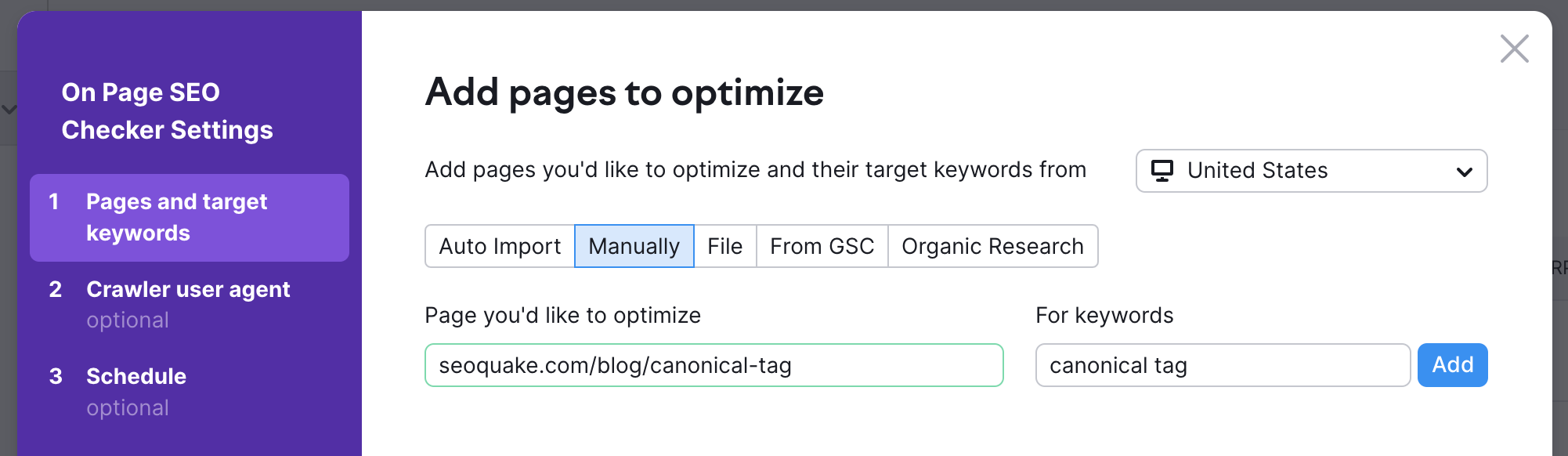
Tip: To discover relevant keywords, try using the Keyword Gap tool to compare your current keyword profile with that of a main competitor. This can help you identify keywords they rank for that are related to your topic. Alternatively, use the Keyword Magic Tool to explore high-volume keywords connected to your topic. For more detailed guidance, see our article on Keyword Research and Optimization.
On Page SEO Checker gives many recommendations, including technical Issues from our Site Audit tool and UX ideas from Google Analytics. Fix any issues the tool discovered and follow its recommendations on the Optimization Ideas tab to improve the ranks of your content.
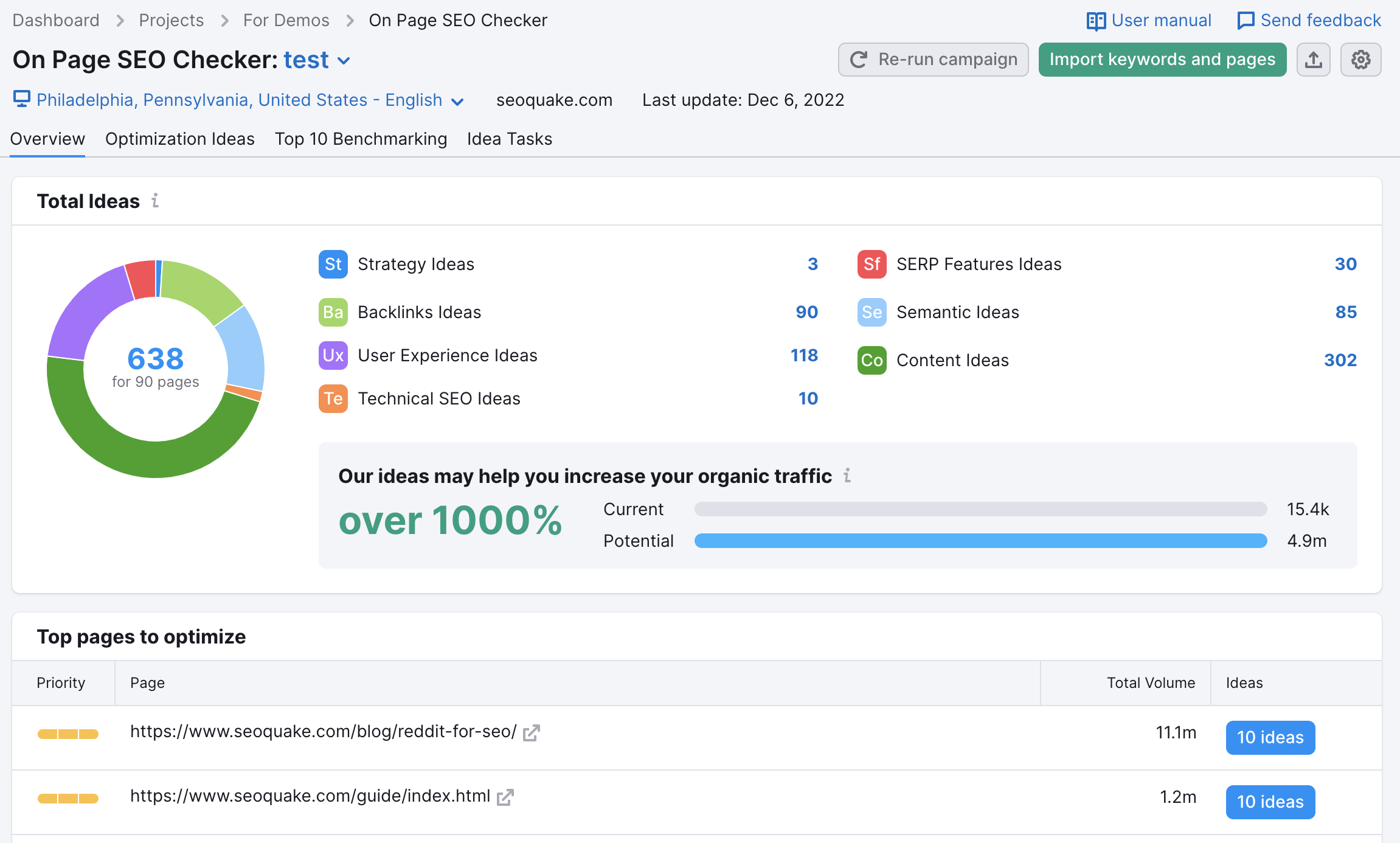
Learn more about On Page SEO Checker.
Now after you’ve learned how to optimize your existing content with Semrush, let’s see how our tools can help you create new SEO-optimized content for your website.
Note: SEO Writing Assistant is fully available only with the Guru and Business tiers of the SEO Toolkit subscription.
SEO Writing Assistant—optimize your content
SEO Writing Assistant will check the text you are working on in real-time to help you create SEO-friendly content.
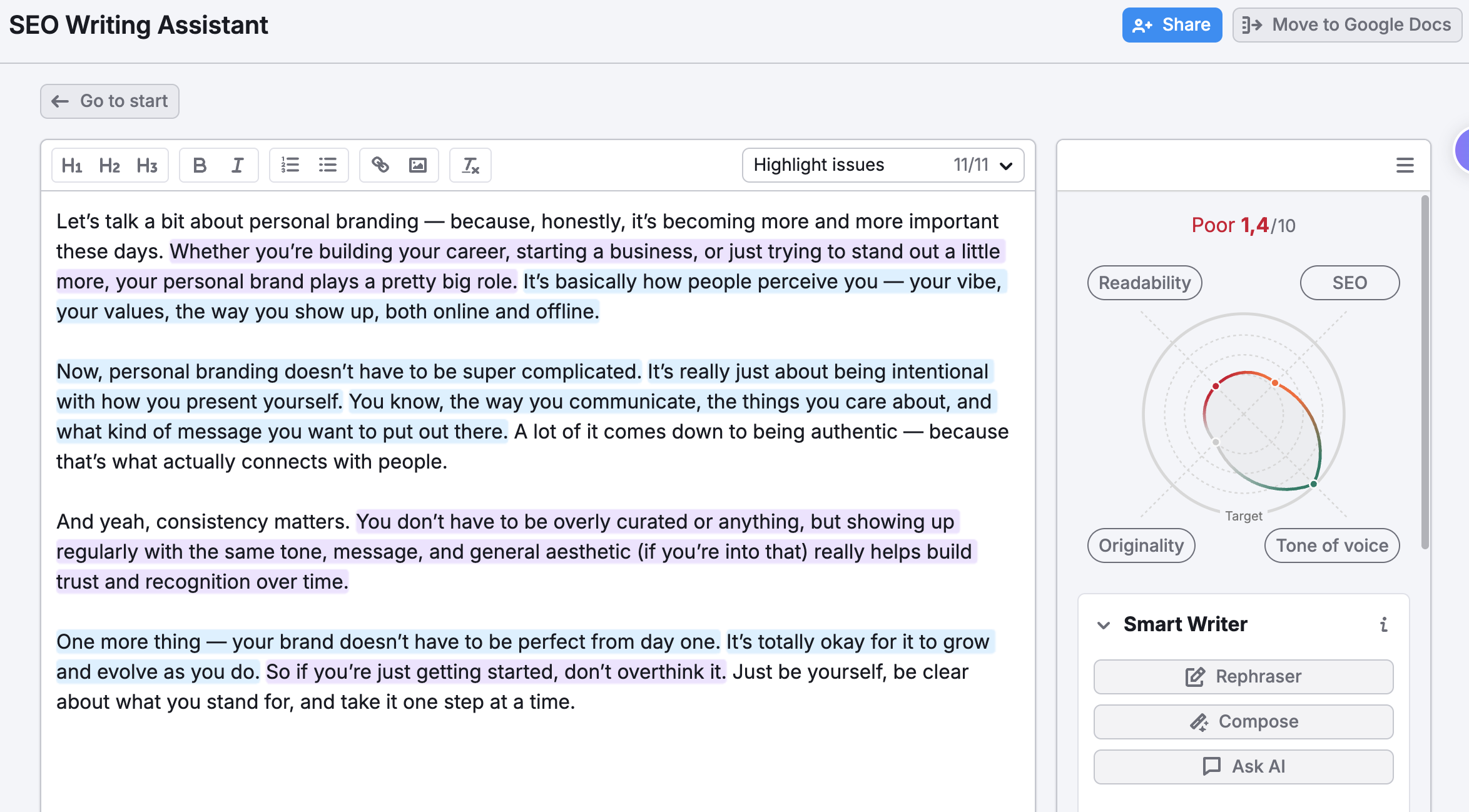
Switch between Readability, SEO, Originality, and Tone of voice to check the overall quality of your content.
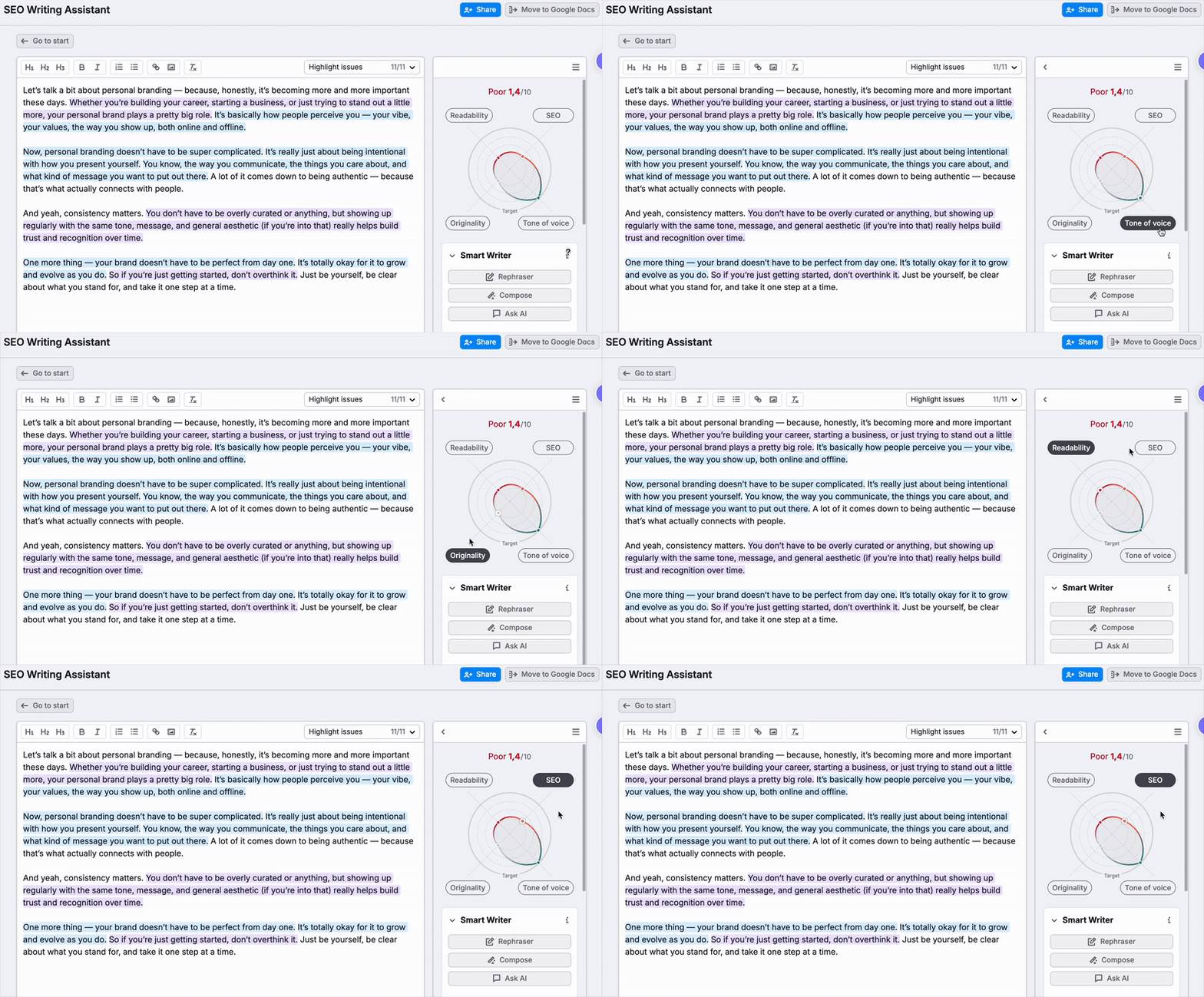
Readability includes the metrics that affect the quality of reading ease: readability score, word count, title issues, and content issues.
SEO will expand to show you the different metrics that will make up the SEO scale: target and recommended keywords, link, and alt attributes issues.
The Tone of voice can be very casual, somewhat casual, neutral, somewhat formal, and very formal. Not only can you see where your text lies on this scale, but you can also see your document’s most casual and most formal sentences. You can set or change your target tone of voice by clicking the pencil icon in the top right corner.
At the moment, this functionality works with the English language only.
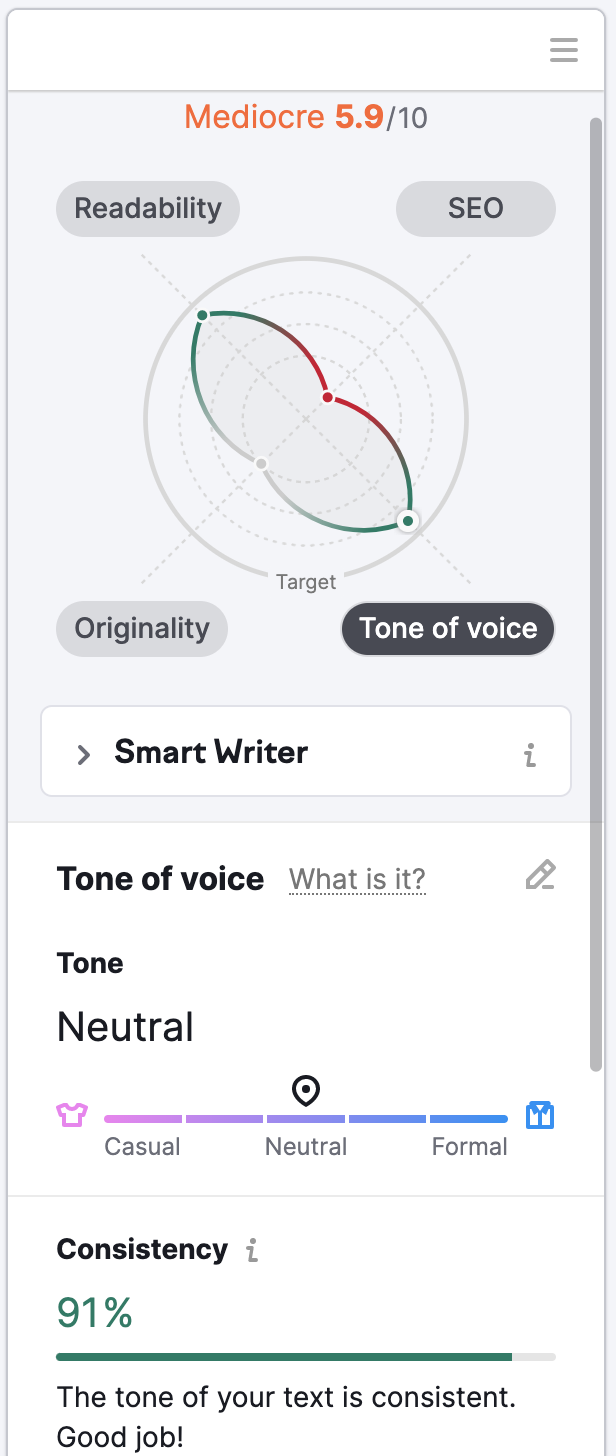
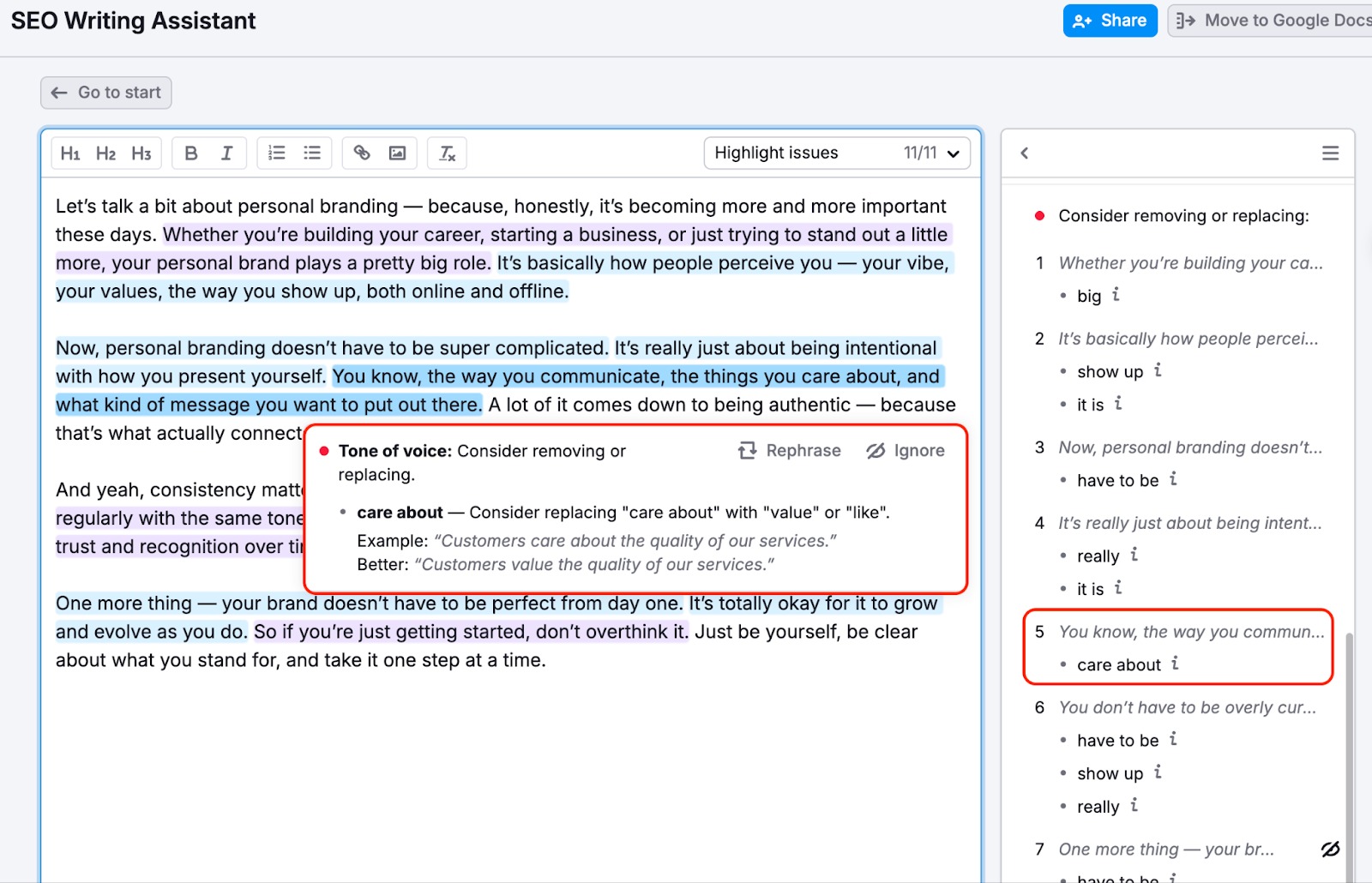
Also, the Tone of voice highlights the usage of filler words and phrases in a text—an AI-based feature allows you to rewrite sentences identified with such phrases.
Originality metrics look for signs of plagiarism in the text. It can determine the total percentage and number of copied words for an article based on other articles found on the web. The plagiarized piece of content will be highlighted right in the document.
By following these checks, you will be able to create relevant SEO-optimized content.
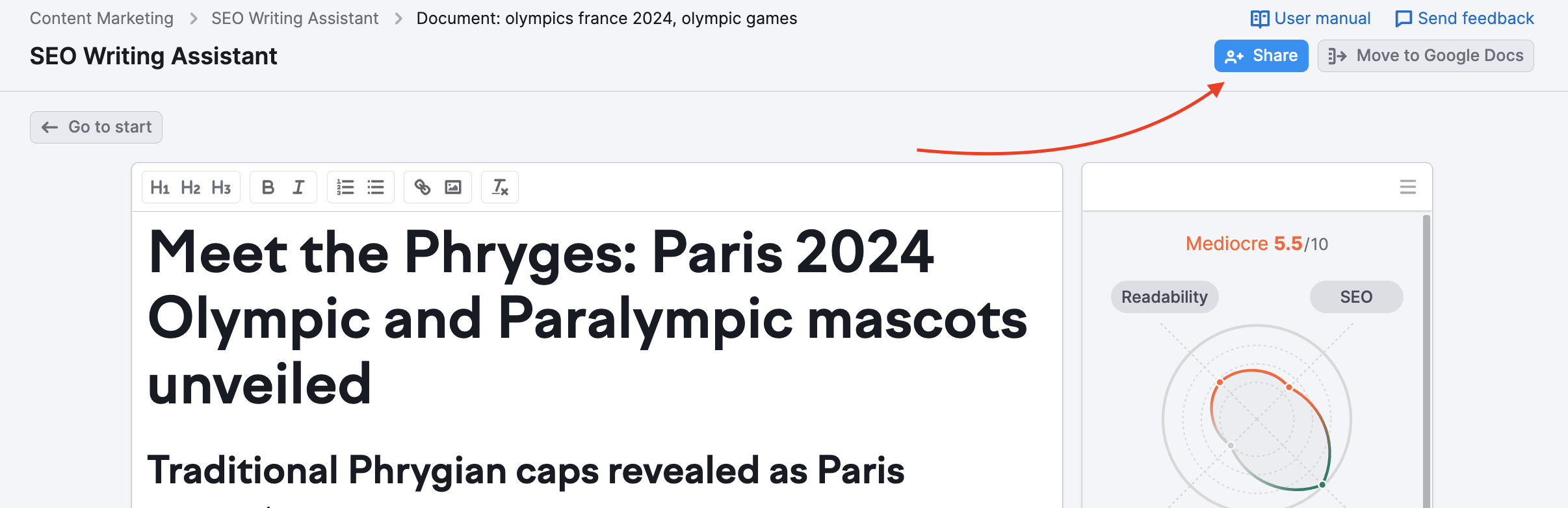
You can stay in the Quick Checker to analyze your article or use plug-ins to analyze your text directly in Google Docs and WordPress. For example, with Google Docs, you can share it with other people in your team. Even if they do not have a Semrush subscription, they can download the plug-in and see recommendations created by you.
Tip: You can send recommendations to Google Docs with the Share Document button:
Learn more about SEO Writing Assistant.
Content is one of the main pillars when working in digital marketing, and it’s closely linked to the rest of SEO activities. Semrush offers a complete content-building and optimization process.